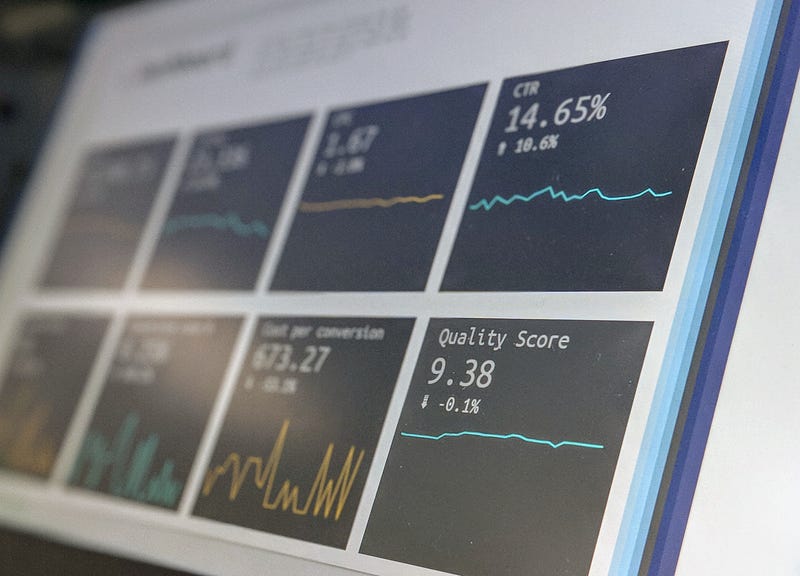
A useful data visualisation helps someone answer a question. Looking polished is helpful, but it cannot rescue a chart that uses the wrong data or makes a comparison hard to understand.
I find it useful to check four things: accuracy, clarity, design and practical use. They overlap, but asking about them separately can reveal problems that a quick visual review misses.
1. Accuracy: is the comparison fair?
Start with the data source, the period covered and what each measure actually means. Check missing values, changes in definitions and whether the groups are comparable. A precise-looking label does not make an uncertain estimate certain.
For example, imagine a fictional campaign with 100 orders in January and 120 in February. A chart can correctly show a 20% increase in the recorded count. It cannot, on that evidence alone, show that a new ad caused the increase. The chart also needs to say whether these are completed orders, whether cancellations are included and whether the months are comparable.
Show units and dates. Where uncertainty or incomplete coverage could change the decision, make that limitation visible rather than hiding it in a separate document.
2. Clarity: can the reader find the answer?
Choose the chart around the question. For the fictional order counts, two labelled bars may be enough. A title such as “Recorded orders rose from 100 to 120” tells the reader what the comparison shows without claiming a cause.
If the bar axis starts at 95, the February bar will look far larger relative to January than the counts warrant. For a length-based bar comparison, start the value axis at zero. If a different chart needs a restricted scale to show a small change, make that scale explicit and consider whether a line or dot plot communicates it more fairly.
Remove elements that compete with the answer. Put labels close to the values where possible and use annotations to explain an important change, rather than making the reader decode a crowded legend.
3. Design: does the presentation support understanding?
Use colour deliberately. If every bar has a different bright colour, none is clearly the point of attention. A neutral base colour and one highlight may be enough.
Do not rely on colour alone to distinguish important categories. Combine it with labels, shapes or patterns where appropriate. Check that text remains readable at the size people will actually see, including on a phone or a presentation screen.
The W3C guidance on complex images recommends providing text equivalents for information-rich images such as charts. A short description and an accessible data table can help people who cannot use the visual presentation.
4. Practical use: does it fit the task?
Interactivity is useful when the reader needs to filter, compare or explore. It is optional when a static chart already answers the question. Sliders and hover details can add work rather than insight, particularly if the answer disappears when the chart is exported or printed.
For our two-month example, I would start with a static comparison, the underlying counts and a short limitation about attribution. A dashboard would make more sense if readers needed to explore many periods or channels.
Before sharing a visualisation, ask someone unfamiliar with the work what they think it says. If their answer differs from the intended message, revise the chart or its explanation before adding more decoration.
Leave a Reply