

For a set of images on my portfolio, I asked for the subject on the right, with the left side and the bottom fading into black. The page would use that open space around the picture. I put the composition in the brief before asking the AI tool to make anything.
The images were pale engravings on a near-black ground. I supplied two existing cards as references and asked for the same fine linework and lighting. The brief covered six wide scenes, each saved as a 1600-by-800 WebP file under 300 kilobytes. WebP is an image format used on websites.
Six engravings for one site
The subjects ranged from a printing press to a merchant ship. The press scene showed a person pulling the bar, with a sheet on the press. A lighthouse stood above a rocky coast. Elsewhere in the set were a market and two workshops, one with a craftsman at a bench and one with a sculptor working on marble.
I described the action in each scene as well as the shared style. In the press picture, the person and machine form the group on the right. The lighthouse fills the same side of its frame, with the beam reaching into the haze. Those scenes could look quite different while leaving a similar area of dark space for the site.
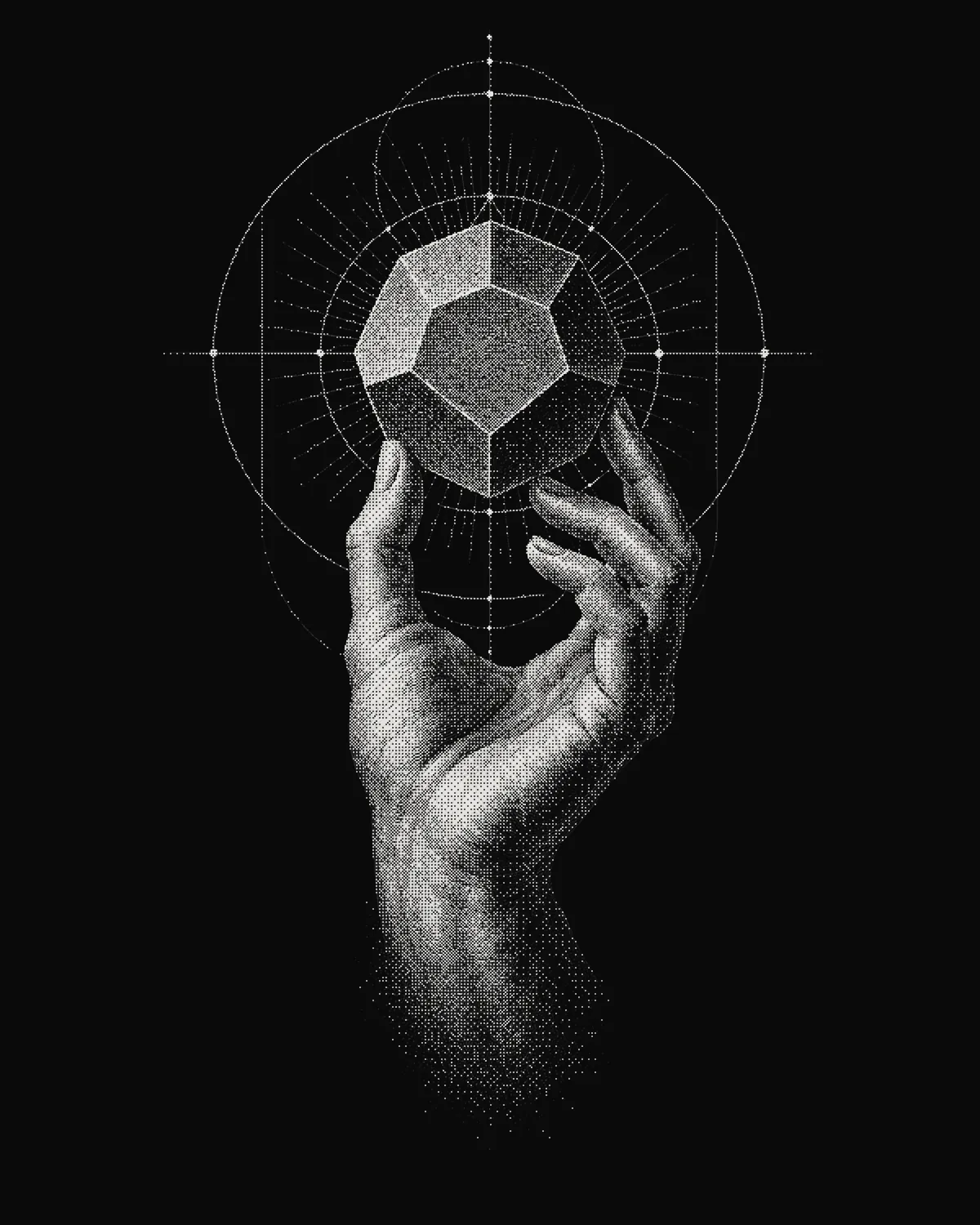
The tall menu illustrations were a separate set. The hand holding a solid form shown here uses the same pale linework, in proportions suited to the menu. I wasn’t asking every part of the site to use one wide image shape.

I also ruled out lettering and logos. The written brief set out the parts I would check. I named the files and limited the task to their folder. The task could make those images without changing the page code around them.
What I pass to the next tool
I use Claude and Codex across writing, images and code. For this image job, the brief stayed relevant after generation, when the files were resized and prepared for the site. The right-hand subject, dark fade and file limits each gave the finishing work something to preserve or check.
If I ask another assistant to work with the images, I want to pass on those choices along with the files. “Use these engravings” leaves out the reason for the open space. A crop or a new layer placed over the left side could undo a choice made for the page, even while keeping the drawing itself intact.
I do the same with the scope of code work. In one app brief, I named a separate copy of the project and the files that another job was already editing. The task was limited to the requested changes, with no commits, pushes or branch changes. Tab bars, the controls along the bottom of the app, were outside that job.
The requested report included the checks that ran and any that were blocked. I keep those limits with the work so the next assistant can distinguish a finished edit from a result that still needs testing. For a writing handoff, I include the sources and the reader’s question in the same way. I have written before about checking the work of language tools.
The first image came back too warm
The first press composition came back with the subject in the right place, but warmer in tone than the references. The assistant flagged the colour during its check and continued making the other scenes. The files then went through a finishing pass to bring them into the same neutral monochrome.
In that pass, the assistant converted the images to greyscale, resized them to 1600 by 800 and saved them as WebP files. It blended the left side and lower edge into the near-black background. The linework remained visible around the person, press and sheet on the right.
The final report listed the saved paths, dimensions and file sizes for all six images. The lighthouse was about 59 kilobytes and the press about 91, both well below the limit in the brief. All six finished files were 1600 by 800. I could compare those reported results with the files.
What the next tool is free to change
I would call that finishing pass correct work, and it altered every file. The grey, the fade and the new width were large changes made to pictures that already looked finished.
If a later tool cropped the dark left side off the press image, that would be a change of about the same size, and I would call it a fault. The amount of change tells me little on its own. What separates the two is whether the change serves the page the image was made for, and the pass could serve it because the brief had said what the open space was for and which side the subject belonged on.
A list of sizes and dimensions lets the next tool check that nothing has drifted. The reason for the composition lets it make changes of its own, including ones I haven’t thought of, and judge whether they help. I would rather hand over the purpose and accept a different fade or a tighter crop than hand over the files alone and have the space kept by accident, or lost the same way.